

1. On your home screen please click on INVENTORY
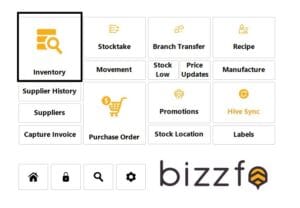
2. click on inventory again
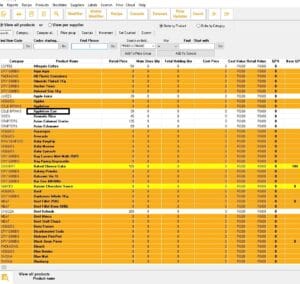
3. Select and double click on on the item or product you want to change the price on
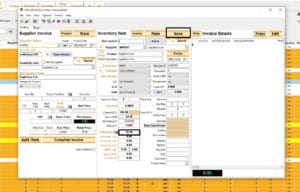
4. This screen will appear change yout items price on the box retail then click on save and your price will be updated


