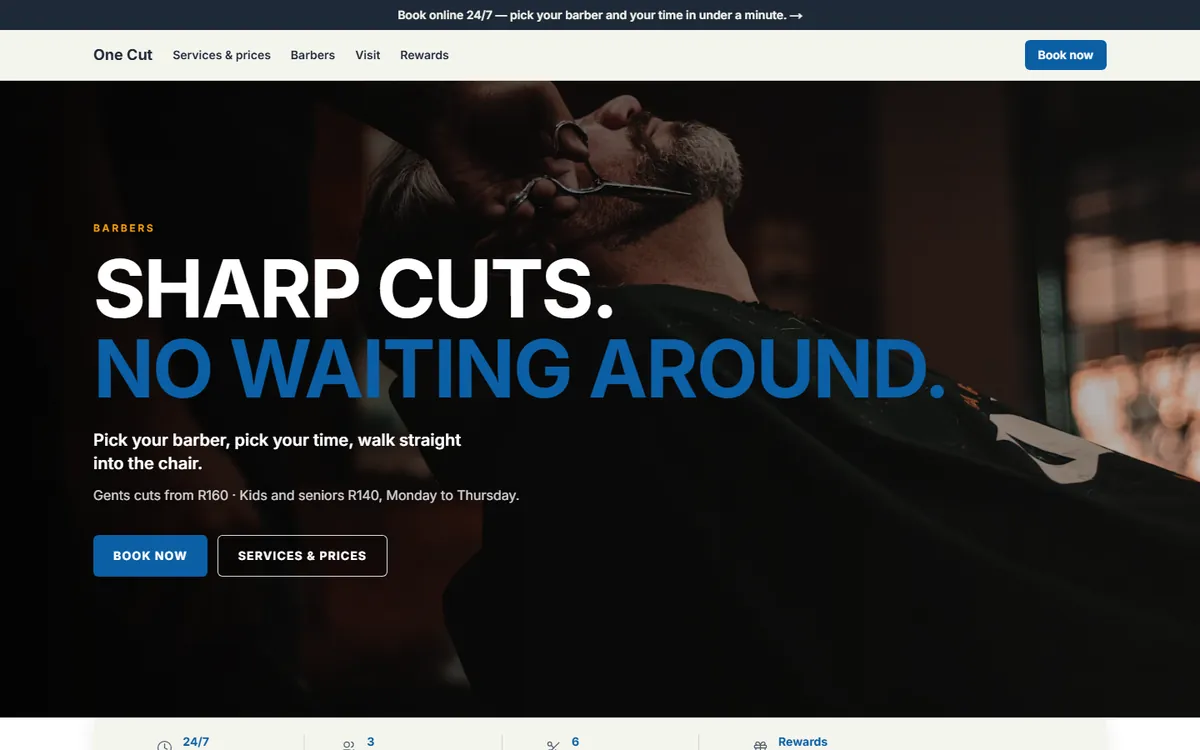
Clients pick the person
They choose a stylist or barber, and only that person’s open times are shown.
Bizzfo Bookings lets clients choose a stylist and a time that is genuinely free, around the clock. The same client record sits behind your till, your retail shelf and your loyalty points — so the diary and the counter stop being two systems.
15-day free trial · No credit card · Nothing to install · Built in South Africa
Name, how many minutes it takes, and a price if you want one shown. The length of each service decides which slots are offered.
Each stylist or barber gets a calendar column and a day off, and clients can ask for them by name.
Clients book from your customer portal or a Book now button on your Bizzfo website, and only see times that are free.
Service and retail product on one sale, stock adjusted, points earned on the lot.
They choose a stylist or barber, and only that person’s open times are shown.
A beard trim and a full colour take different times. The service length sets the slots.
When a slot is taken it disappears for everyone else.
Sell product through Bizzfo POS, with stock counted and reordered from the same back office.
Bookings, purchases and loyalty points all sit on the same client.
With Bizzfo Loyalty, clients earn on the treatment and the product they take home.
Booking confirmations and updates on WhatsApp with Bizzfo Connect, where configured.
A salon website with a Book now button, built by the AI with Bizzfo Online.
The product behind this page, and the pages next to it.
Bizzfo Bookings is priced like Bizzfo POS: from R450 per branch per month, VAT inclusive, with a 15-day free trial. Online self-booking runs through the customer portal in Bizzfo Loyalty, an add-on module.
See pricingYes. Clients pick the person they want, and only that person’s open times are shown.
Each service has a length in minutes. The length decides which slots are offered, so a long colour never gets squeezed into a fifteen-minute gap.
Yes. Bizzfo POS sells your retail stock at the same counter, from the same back office, with stock counts, reorders and supplier invoices.
Through the Book tab of your Bizzfo customer portal, which is part of Bizzfo Loyalty, or a Book now button on your Bizzfo website.
Not at the moment. You can send a client a payment link from Hive for any amount.
Bizzfo Bookings starts at R450 per branch per month, VAT inclusive, with a 15-day free trial and no credit card. Online self-booking uses the customer portal in Bizzfo Loyalty, an add-on module.
Create your account, add your services and team, and open online booking yourself.